Saturday, June 21, 2014

Playing with Adobe Creative Cloud

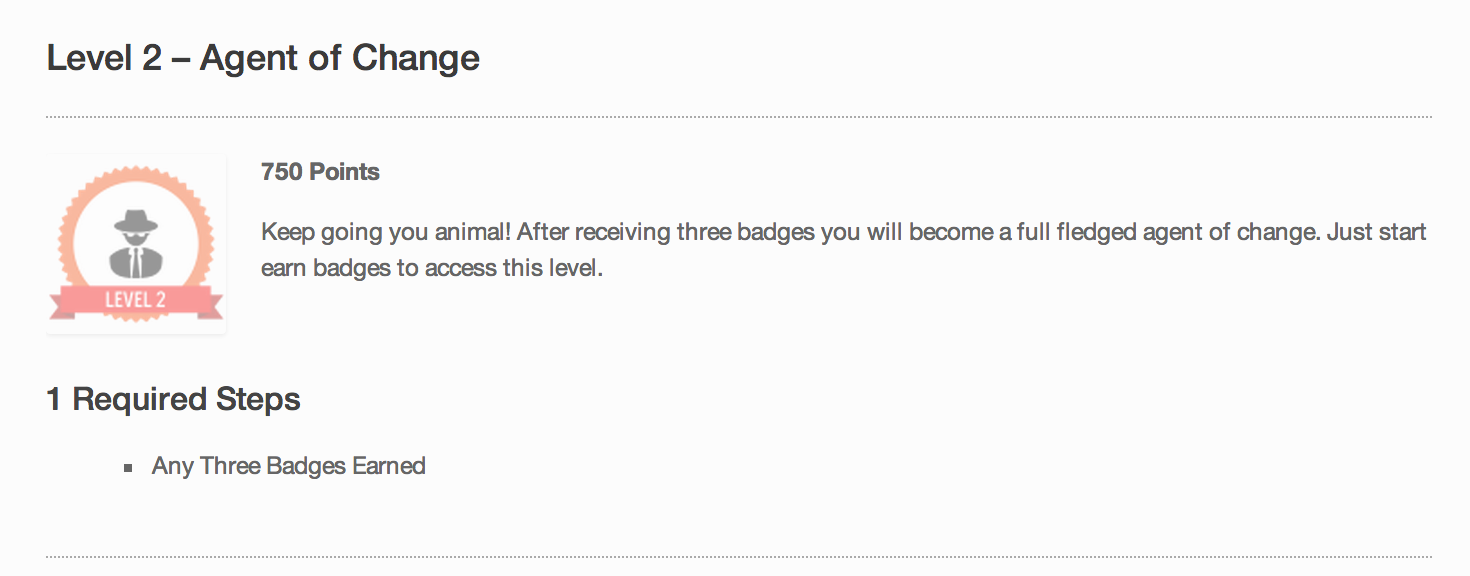
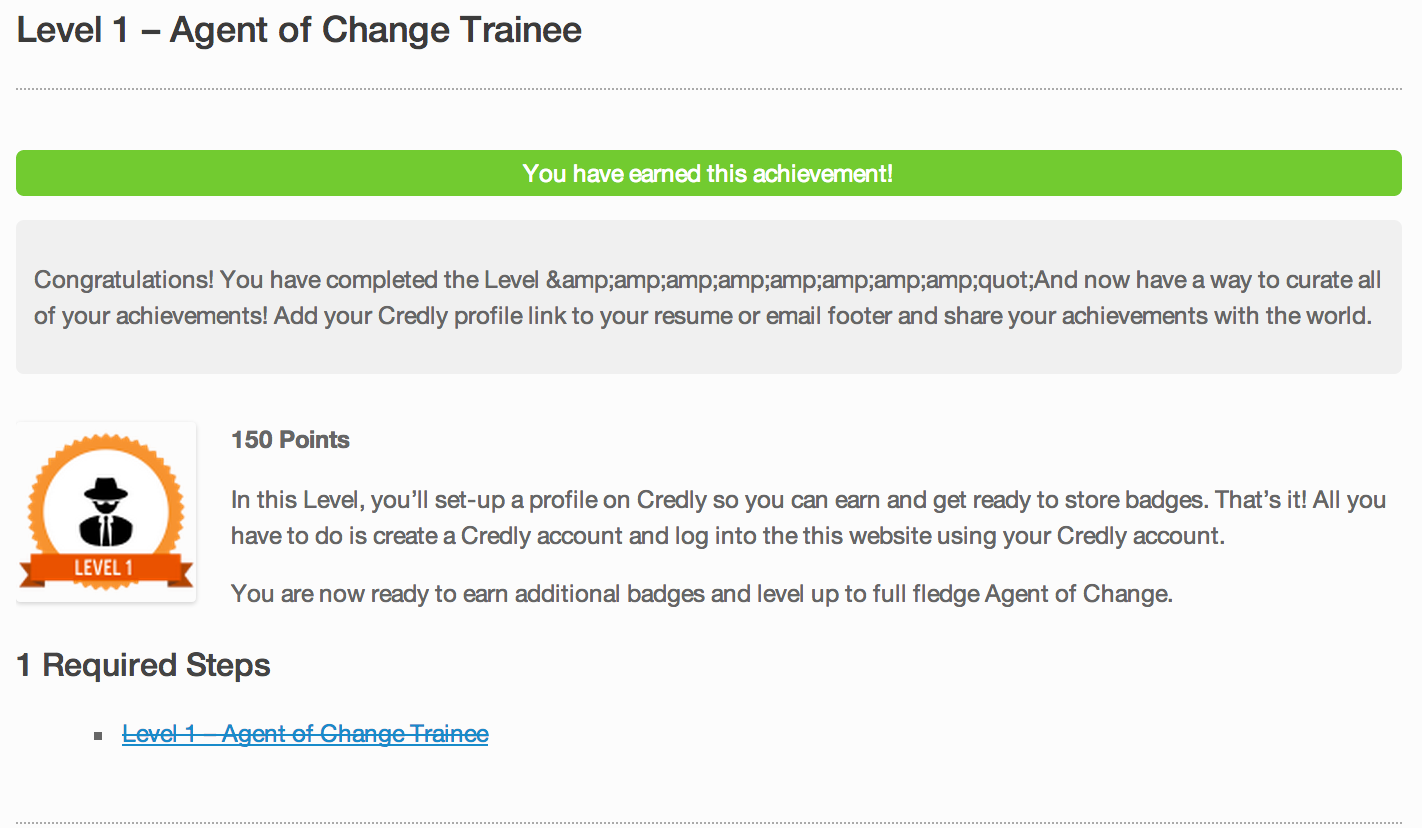
Over the summer, my school system put together an eLearning conference for Northwest Indiana. I was part of the a three person team putting things together. As everyone else handled the analytical and logistical responsibilities of putting a conference together, I tried to focus my attention on developing my Adobe skills. I was glad to create the conference logo, work with the sign companies, develop the layout of the website, and create engagement tactics in the form of badges and levels for participants. It was a growth experience to say the least, and I was able to incorporate the use of Adobe Illustrator and Photoshop to create some of the following items displayed below. By clicking on any of the images below, you will be able to view the content and/or details more clearly.

Logo Work

All of these products were created using one of Illustrator or Photoshop. As an eLearning developer becoming familiar with these tools is essential for creating unique and eye-catching content. I'm not a pro, but I'm playing with these tools on a regular basis.
engagEDnwi(logo)3engagEDnwi(Twitter)300
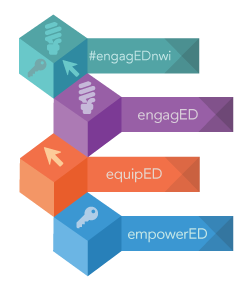
    engagEDnwi(presenter-badge) engagEDtech-4steps-alt engagEDtech-patterns

Marketing Images and Fun

These images were just fun and shared through Twitter. But, still another way to create and share content through another medium that all teachers should get to know. Becoming social media savvy is essential for a current teacher ready to reach their audience. 0aa8f1M-1 Grumpy Cat

Conference Signs

This just one of the many signs I created to keep attendees informed at the conference. Twitter-Engagementslide

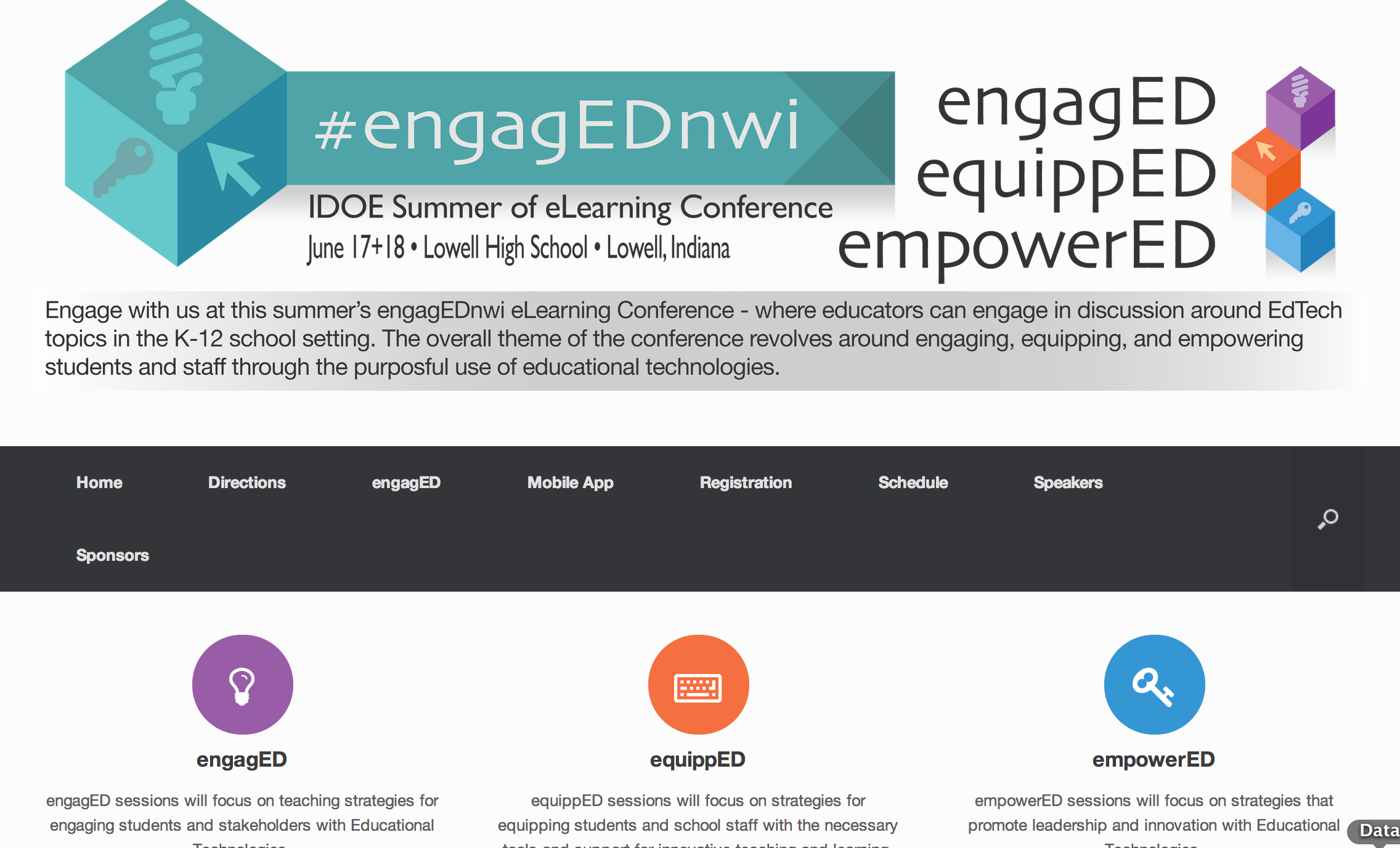
engagED Conference Website

 www.engagednwi.com
engagEDNWI___IDOE_Summer_of_eLearning_Conference_–_June_17___18__2014_–_Lowell__Indiana

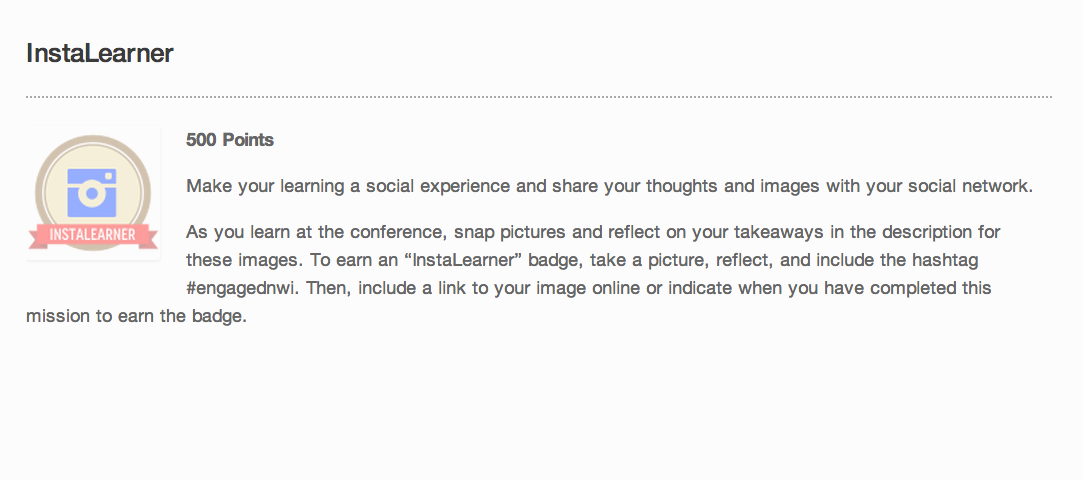
Badges to Engage Participants

InstaLearner___engagEDNWI engagED_Attendee___engagEDNWI Crowd_Sorcerer___engagEDNWI Credly_Member___engagEDNWI Backchannel___engagEDNWI

Levels to Engage Participants

Levels___engagEDNWI Level_3_–_Agent_of_Change__Grandmaster____engagEDNWI Level_2_–_Agent_of_Change___engagEDNWI Level_1_–_Agent_of_Change_Trainee___engagEDNWI

Friday, June 20, 2014

Playing with Slide Decks for eLearning Templates

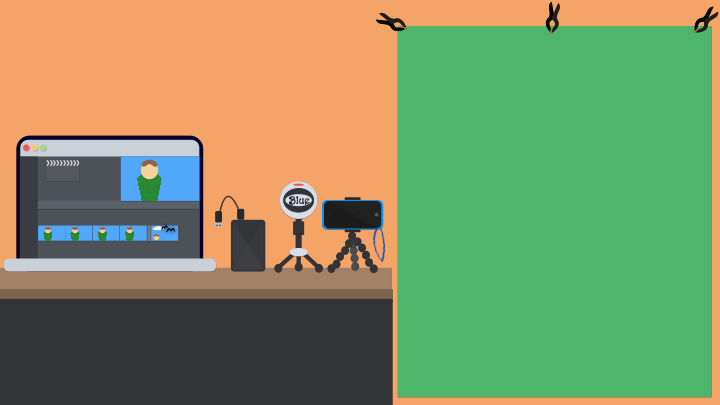
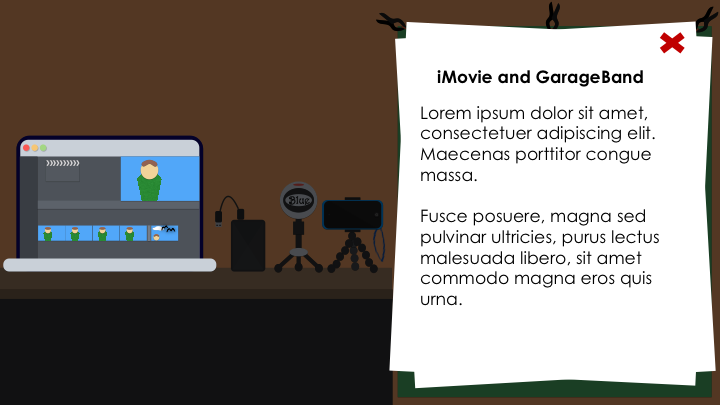
After reading a post by Tom Kuhlmann about creating eLearning templates from everyday inspiration, I started using PowerPoint and Keynote to create simple layouts/designs to help with eLearning projects. The following images are just a series of slide layouts I played with recently.

Mobile Media Production Studio Project

Slide1 Slide2 Slide3 Slide4 Slide5 Slide6 Slide7

Extras

Gibson - Presenter Slide.001Course Template.001

Thursday, June 19, 2014

Reading, Creating, and Learning

I purchased a ton of eLearning books from Amazon and now it's time to read. I have read a couple of these since I ordered the books in April, but I have more to read and us a reference. But while reading, I have a general purpose to create practical eLearning courses, modules, or simple-one-time learning objects. Here is my excited Tweet and picture from when I received my Amazon order in April - ignore my mention of Amazon addiction. I just consider it my passion now.

Thursday, June 12, 2014

Fire, Phone, and Footage

Adobe Edge is something I want to play around with because of its ability to create flash-like interactions using HTML5 content, which makes its output much more mobile friendly. To start learning. I sat by the fire tonight, got eaten by mosquitos, started watching different video tutorials on YouTube, and I created a playlist to keep track of what I watched. Since I was all by my lonesome self, I was able to watch quiet a few videos and parts of other videos. Here's my playlist with an ever growing list of Adobe Edge and other eLearning Strategies I am researching. YouTube playlists represent a powerful and most likely overlooked informal learning tool. Here are my suggested playlist steps:
  1. Make a list title representing what you want to learn
  2. Watch videos for what is needed (don't have to watch an entire 58 minute webinar)
  3. Re-watch procedures as needed.
Essentially it was easy as one, two, three learning with my YouTube teacher.

Edge Resources

This is just a list of sites I found while scouring the web.

Sunday, May 18, 2014

Well Read Web #1


photo credit: MoneyBlogNewz via photopin cc

I have been scouring the web over the last few years looking for teaching/learning resources. And since all my information traps are beginning to fill up or become way too unorganized, I will start blogging when I find something worthy of sharing. With this "Well Read Web" post series, I was thinking about just sharing things that I found interesting for teachers or the classroom on the web.

Invent a Battery Powered Circuit - DIY App 

This could be a fun end-of-the-year project that looks like it could be created in a classroom center fairly easily and without spending too much money. The Battery Powered Circuit is another cool challenge from the DIY network. Check out this BrushBot video demonstration.


Using Badges in the Classroom

Last week, I had the privilege of meeting several EdTech coaches from Indiana at an unconference and there was a lot of discussion around the use of badges to display difference achievements and accomplishments by teachers. Just like Boy Scout and Girl Scout badging, this idea if used well can encourage students to have to collect them all - Pokemon-style. Here is a decent article entitled Using Badges in the Classroom, which describes how different ways to incorporate badging in the classroom and Edmodo provides an easy way to do this. Although tempting to only use Badges to display student acheivement, there are many Gamification advocates promoting much more than just adding badging to your classroom (i.e. More than Just Badges: We Play's Definition of Gamification). Think about Gamifying your classroom slightly next year with a classroom leaderboard, points as reward, and badging to "level up" in class. Schools can learn a lot from the game industry. We can't beat video games' allure; so, let's learn from their motivating elements.

Here are some Badging platforms that I recommend trying.

  • Classbadges - Badge Distribution for Classrooms
  • Credly - Badge Design and Distribution 
  • OpenBadges - Badge Designer 
  • Edmodo - Create and distribute to your students by clicking a checkbox


Google+ Communities of Practice 

I came across this just week and I was ecstatic that the state was embracing the use of social media to create grade-level and subject-area specific Google+ communities to discuss, share, and connect with other like-minded professionals across the state. We need to connect and share rather than close our doors and these communities are a step in the right direction.


#INeLearn Twitter Chat - The Summer of eLearning 

Don't forget about the Summer of eLearning in Indiana - where there are several eLearning conferences being held around the state. Especially don't forget to register for engagED NWI, which will be held at Lowell High School.