Saturday, July 5, 2014

Possible Slides for an eLearning Project


So awhile back, I received funding to create a Mobile Media Production Studio, which allowed me to purchase items for students to create. And that's what they did. They created video and audio files using these tools but they didn't limit themselves to this bag of tools. Students learned how to use the items in this "production studio" effectively but teachers didn't fair so well. Many teachers didn't understand how all of the items within this kit came together to create some type of media. With students already using MacBook Airs, these items were meant to enhance their ability to create These items included:
  1. Green Screen - to change the background
  2. Snowball Microphone - to record quality audio compared to the internal microphone on a MacBook Air
  3. iPod Touch - Video and audio recording with several different apps
  4. External Hard Drive - Storage for students and teachers to transfer content between devices
The following template was created to demonstrate how the easy it would be to provide a simplistic explanation for how these tools can be used. Now, it's just a matter of filling in these empty slides and possibly adding other elements to the final product.


Thursday, July 3, 2014

Trade Show at School

Playing with the latest version of Captivate, I decided to create an informational eLearning product for high school students. But, I wasn't too happy with the published results. The learning object takes too long to load. Why? Anyone have any suggestions for improving the time it takes to play the content?

Tuesday, June 24, 2014

Final Cut Pro - Video Creation

How can one measure Googliness? Do you have to become a Google Educator? Should a test measure your worth? Recently, I applied to be a part of the Google Teacher Academy, which normally takes place over the summer in at least one US location. I filmed random footage from classrooms over the last couple weeks and didn't really have an overarching theme in mind. Instead, I just filmed, watched a lot of other teacher's GTA submissions, and waited for inspiration to strike. At the same time, I learned a lot about Final Cut Pro in order to create this final product. To learn, I had to look no further than YouTube and Google searches to find the information I needed to put this video together. Training wasn't need. All that was need was search, trial, and error process. I filmed the footage, edited, and planned a short storyboard to construct the video.

My Inspiration

At first, I picture 2001: A Space Odyssey and heard a slow dwelling symphony, tympani banging in my head. I thought of B.G. (Before Google in the Classroom) and the evolutionary clip entitled Dawn of Man from the 1968 movie. Here is a shortened version of this clip with music and I thought it would be interesting to say nothing but instead have the music playing and showing differences in the classroom "then and now."

But I really just couldn't think of a great storyboard. I was stumped. Then, inspiration hit in the form of edited-for-television movie I happened to find on TV one night. The movie was a Will Ferrel movie, which was nothing like your normal Will Ferrel movie. In the following clip, from Stranger than Fiction, there is a lot of kinetic text/data and tracking text following his movement. I was really impressed with these effects but I didn't have much Data to share.


Instead, I focused on the silliness of narrating my GCT application. I don't like talking myself up or bragging about anything I do. I mostly focus on the incremental changes I make with little to no recognition. I put the teachers and students I work with first and share what they did rather than add myself into the mix. For me, I am not in teaching for awards and recognition. I am not trying to build a legacy. Acknowledging my British narrator was me poking fun of my bragging in the third person. With that said, I still share and connect with others in order to spread the "experience love." At the risk of sounding like a hypocrite, I would be honored to be considered Google Certified. And the reason I want to become a Google Certified Teacher is to better myself for my teachers and students. The trailer below does a decent job of summarizing how he interacts with the narrator, which is an extremely rare tactic used in movies.


My Equipment

Hardware

  • Camera - Canon 60D
  • Recording Device - Zoom H1N
  • Guitar - Martin D-28

Software

  • Video Editing - Final Cut Pro X
  • Audio Editing - GarageBand
  • Effects - Motion 5 Templates

My Application Video

Saturday, June 21, 2014

Videos, Photoshops, and GIFs

Lately, I have been seeing a lot of animated GIFs being used to demonstrate certain tasks on the web. Because I like the simplicity and lightweight approach to creating a quick learning object, I figured I would try my hand at creating a basic one.

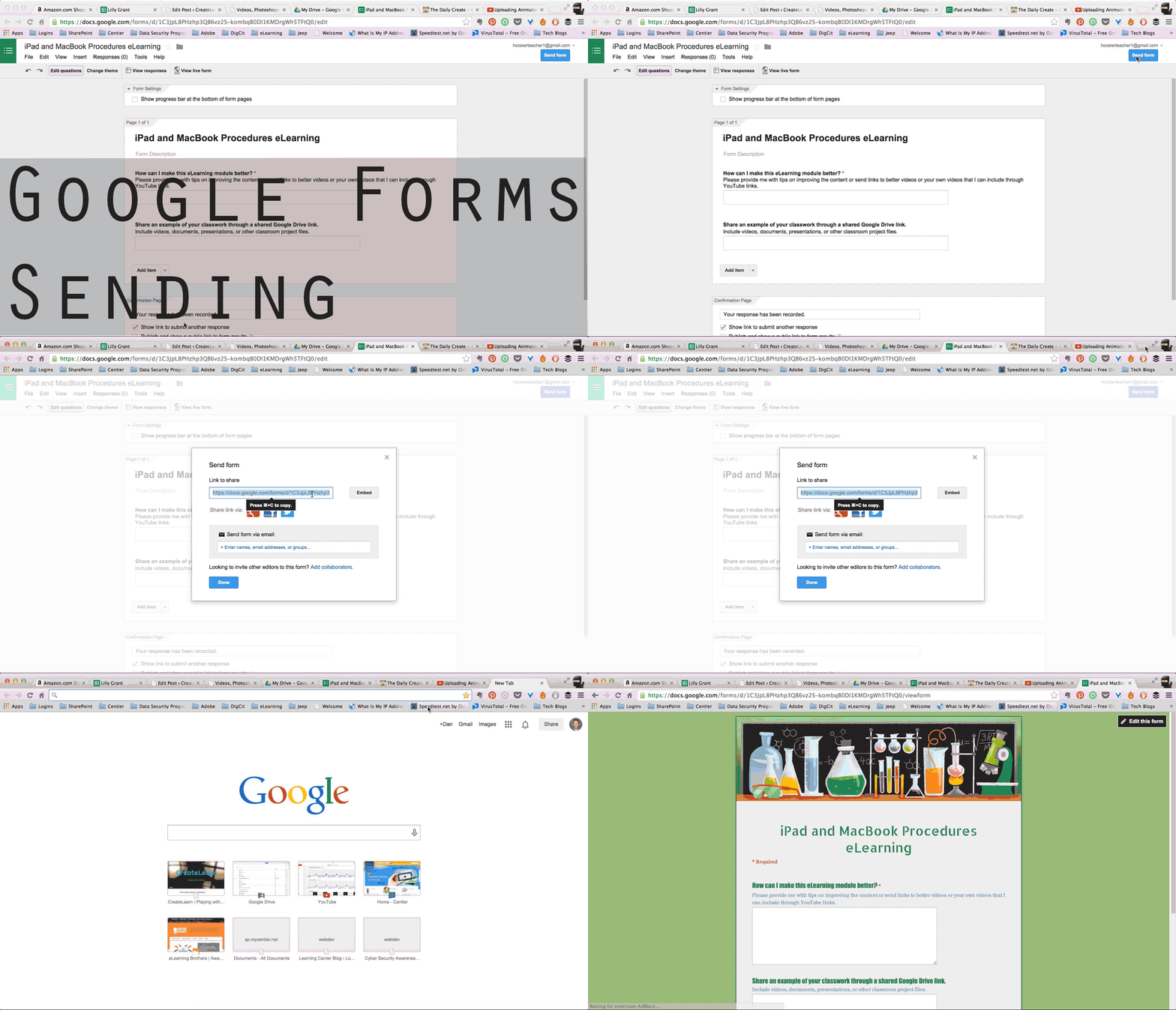
Google Forms - Customizing Forms

Since this was a new feature in Google Forms, I figured I would demonstrate how to customize the appearance of a Google Form using an animated GIF. This is a super easy process already, but I wanted to play around with this animated GIF concept with training materials.

  Google-Form---Customize

Google Forms - Sending Forms

Here is a simple one without text or annotation displaying the steps for sending a Google Form via link. This one is a little longer than the other. Slowing down the process, but still looping the content repeatedly in order to provide learners with time to watch and then watch the steps repeatedly. I also played around with a different title. I think a title is helpful to let your learner know when the loop starts over.
  Google-Forms-Send

Thoughts

GIFs are easy to create. Using Photoshop and other programs (like GIF YouTube or GIFLike) making GIFs easy and accessible to many teachers and learners. Here is a GIF created from a YouTube video entitled 360 Flip Super Slow Motion. This was a matter of seconds, which could be beneficial when creating a preview for a video you want learners to watch. This mini-clip could be used to entice them to watch the rest of the video.


It's something that can be made to "say" a lot in a short amount of time. It's just another great way to create media for learning and to me it has a lot of potential for creation.

Playing with Adobe Creative Cloud

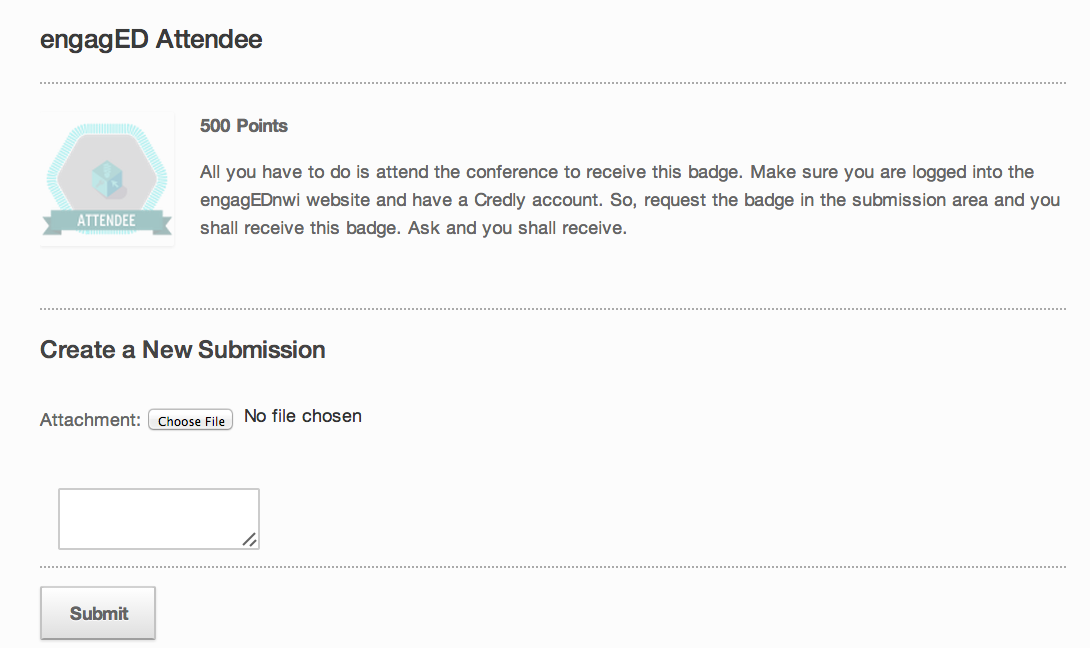
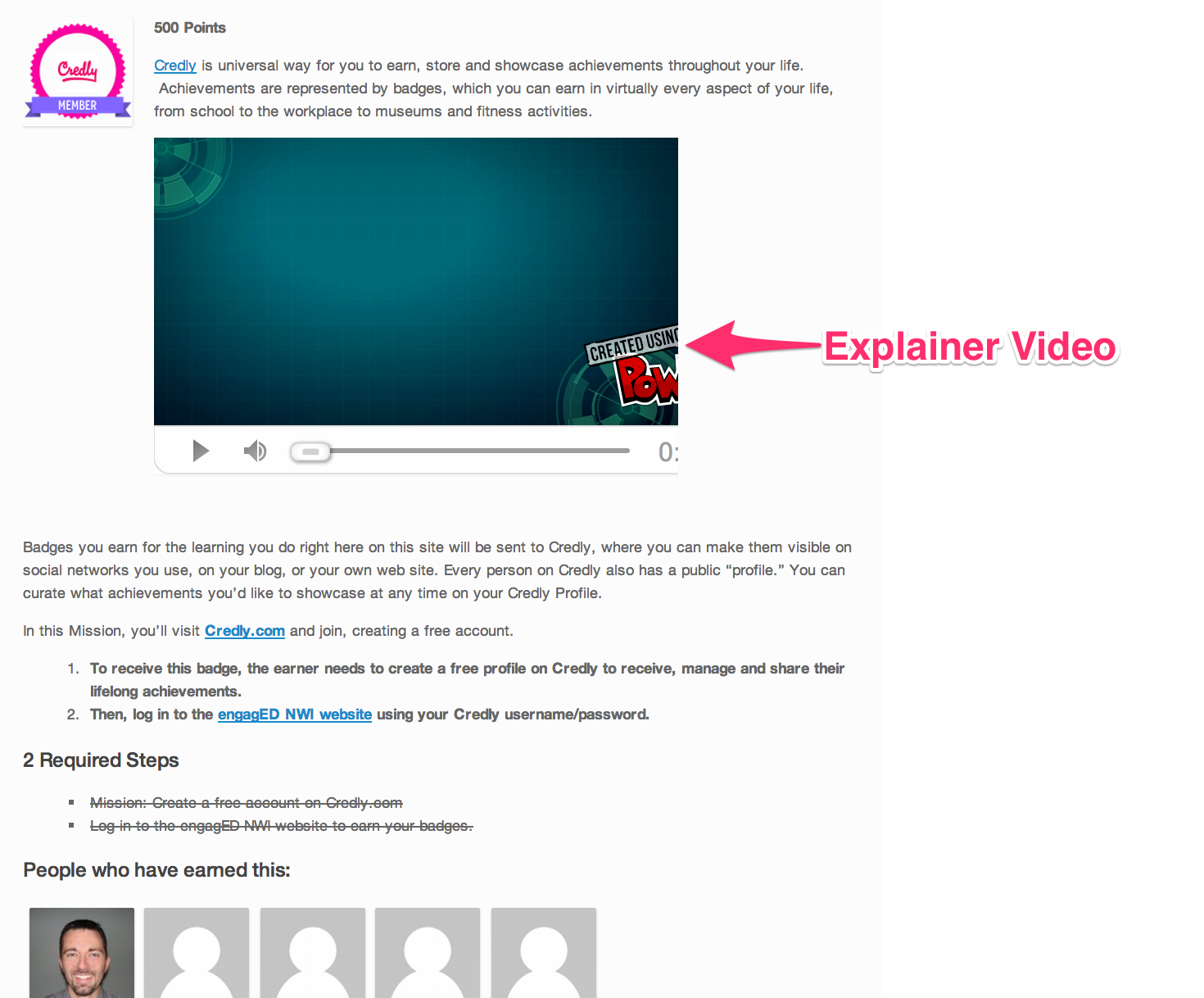
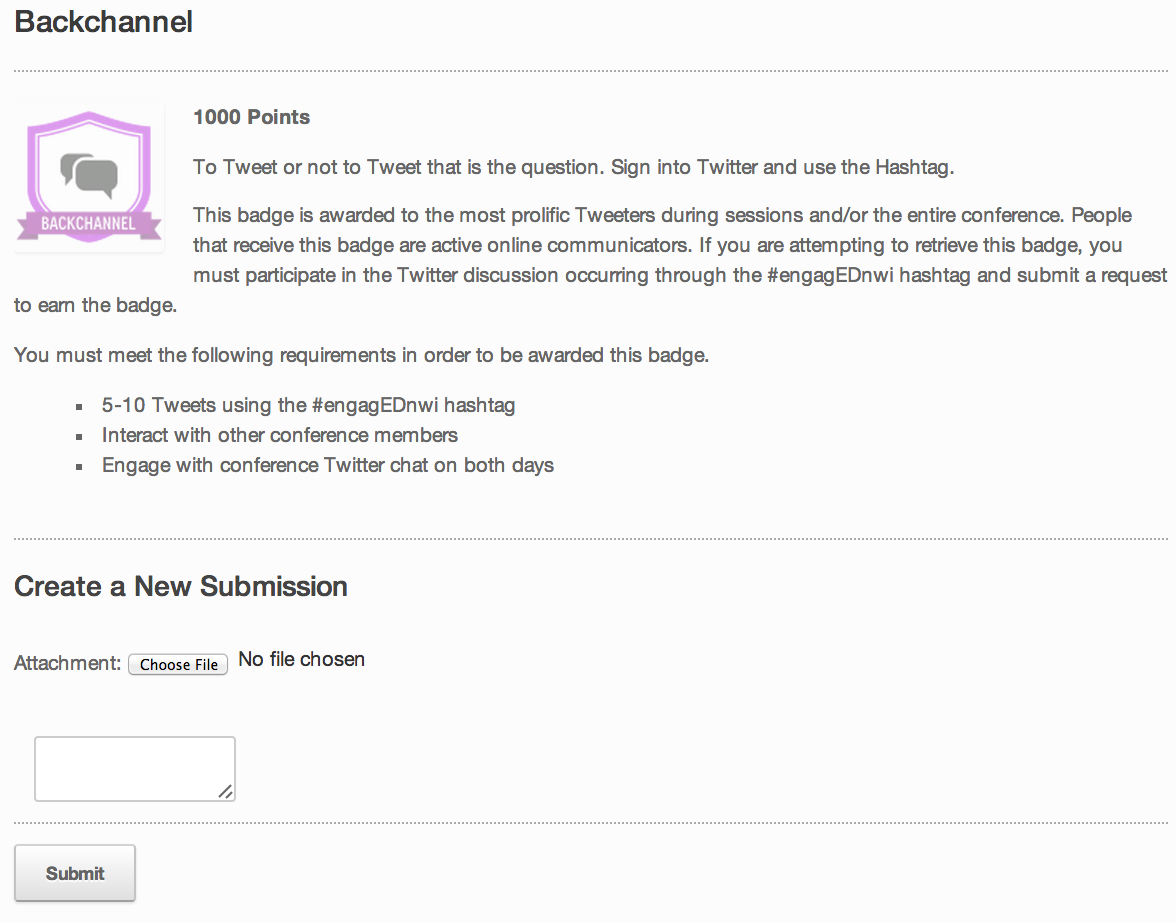
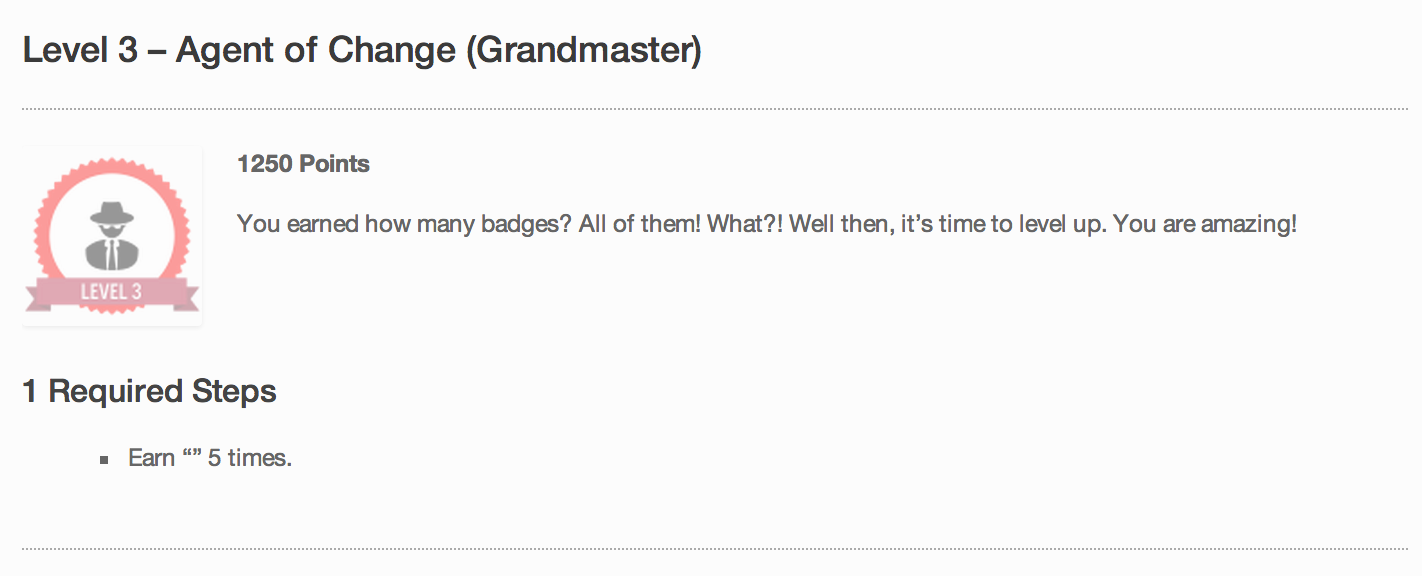
Over the summer, my school system put together an eLearning conference for Northwest Indiana. I was part of the a three person team putting things together. As everyone else handled the analytical and logistical responsibilities of putting a conference together, I tried to focus my attention on developing my Adobe skills. I was glad to create the conference logo, work with the sign companies, develop the layout of the website, and create engagement tactics in the form of badges and levels for participants. It was a growth experience to say the least, and I was able to incorporate the use of Adobe Illustrator and Photoshop to create some of the following items displayed below. By clicking on any of the images below, you will be able to view the content and/or details more clearly.

Logo Work

All of these products were created using one of Illustrator or Photoshop. As an eLearning developer becoming familiar with these tools is essential for creating unique and eye-catching content. I'm not a pro, but I'm playing with these tools on a regular basis.
engagEDnwi(logo)3engagEDnwi(Twitter)300
    engagEDnwi(presenter-badge) engagEDtech-4steps-alt engagEDtech-patterns

Marketing Images and Fun

These images were just fun and shared through Twitter. But, still another way to create and share content through another medium that all teachers should get to know. Becoming social media savvy is essential for a current teacher ready to reach their audience. 0aa8f1M-1 Grumpy Cat

Conference Signs

This just one of the many signs I created to keep attendees informed at the conference. Twitter-Engagementslide

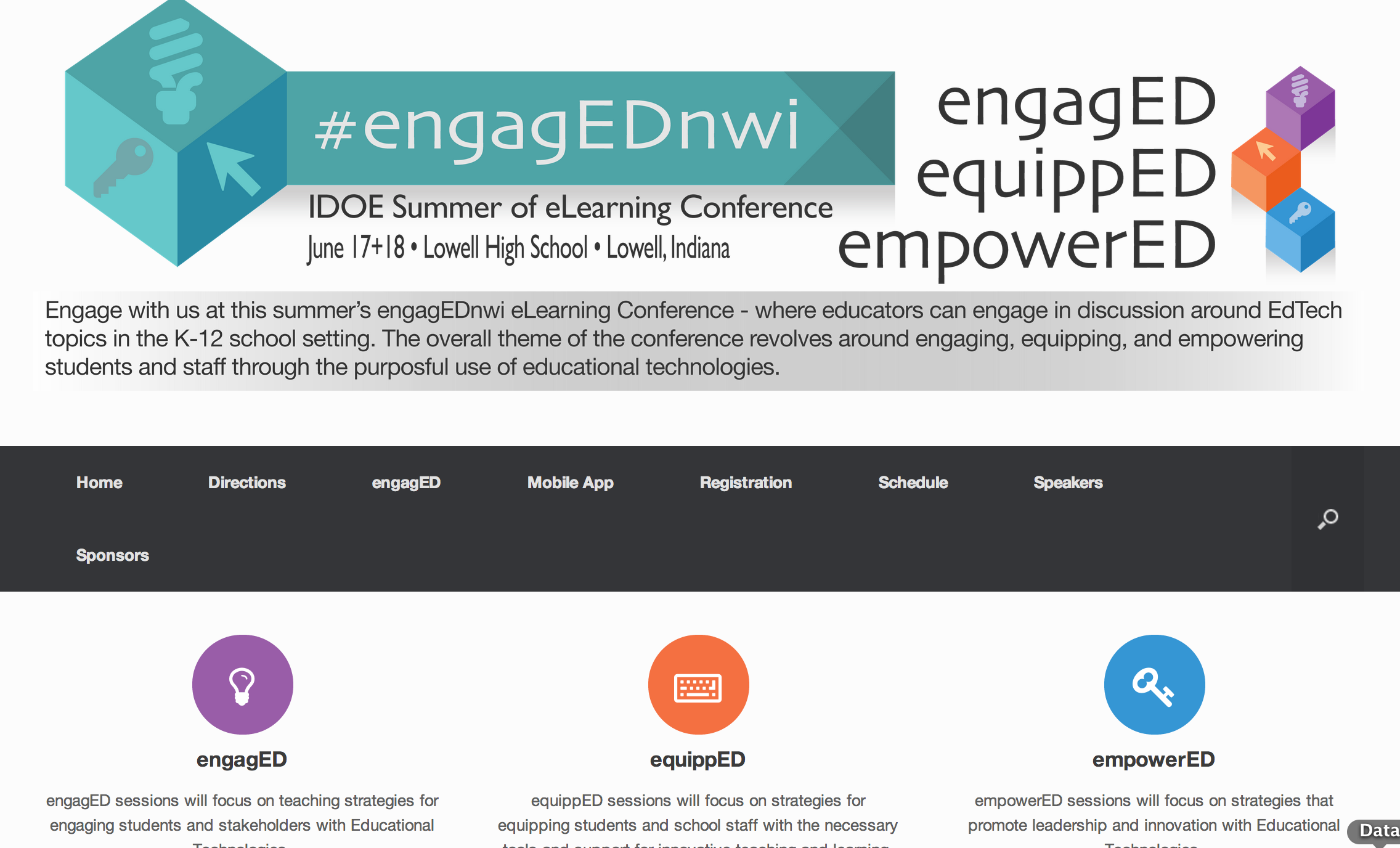
engagED Conference Website

 www.engagednwi.com
engagEDNWI___IDOE_Summer_of_eLearning_Conference_–_June_17___18__2014_–_Lowell__Indiana

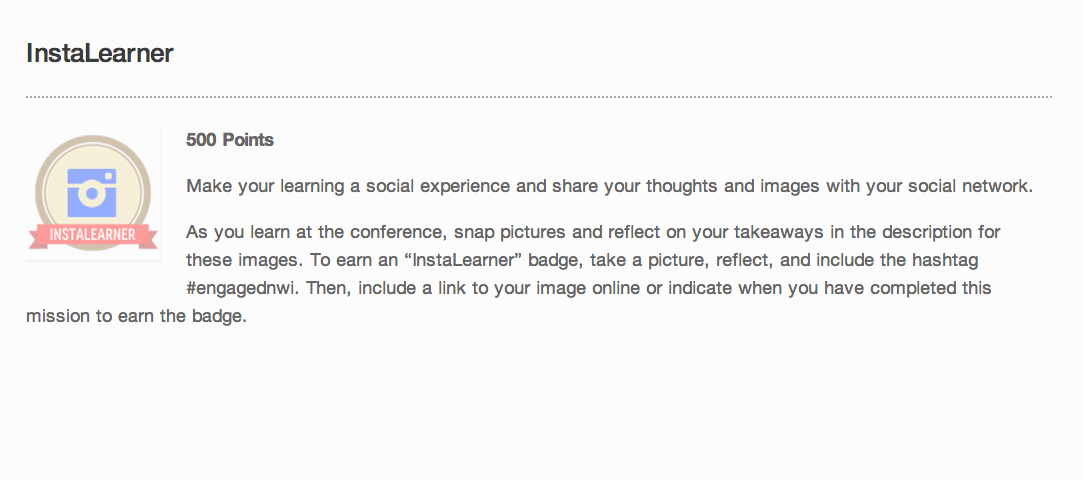
Badges to Engage Participants

InstaLearner___engagEDNWI engagED_Attendee___engagEDNWI Crowd_Sorcerer___engagEDNWI Credly_Member___engagEDNWI Backchannel___engagEDNWI

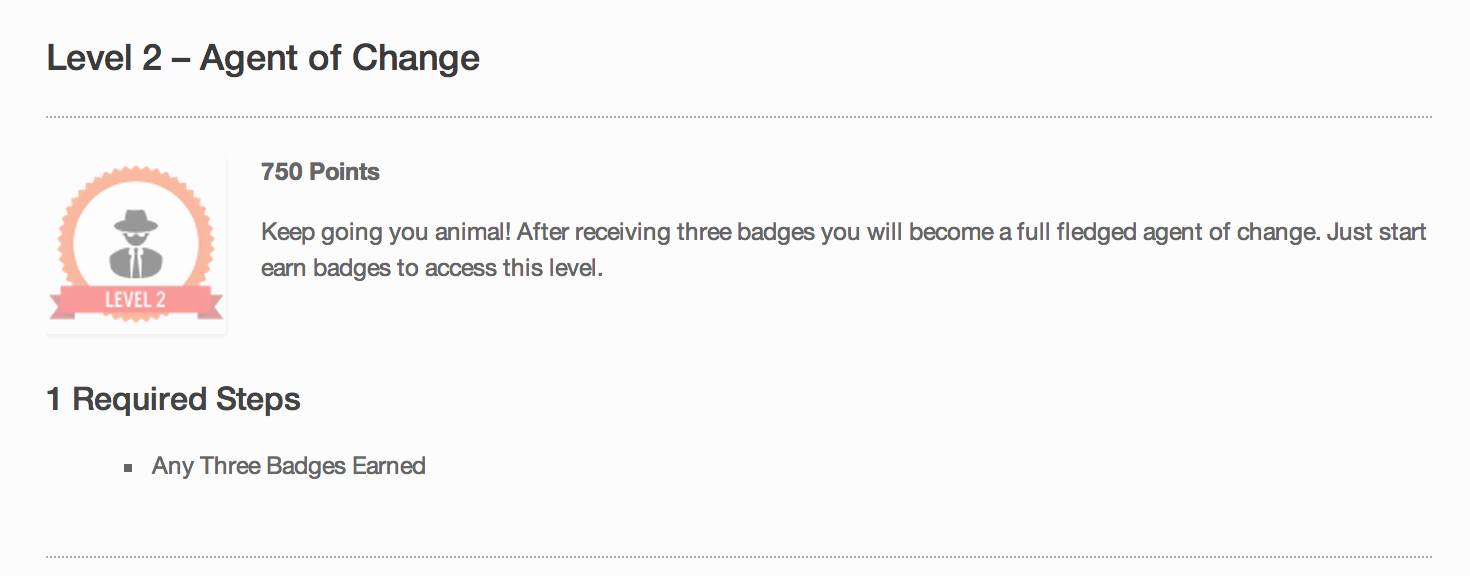
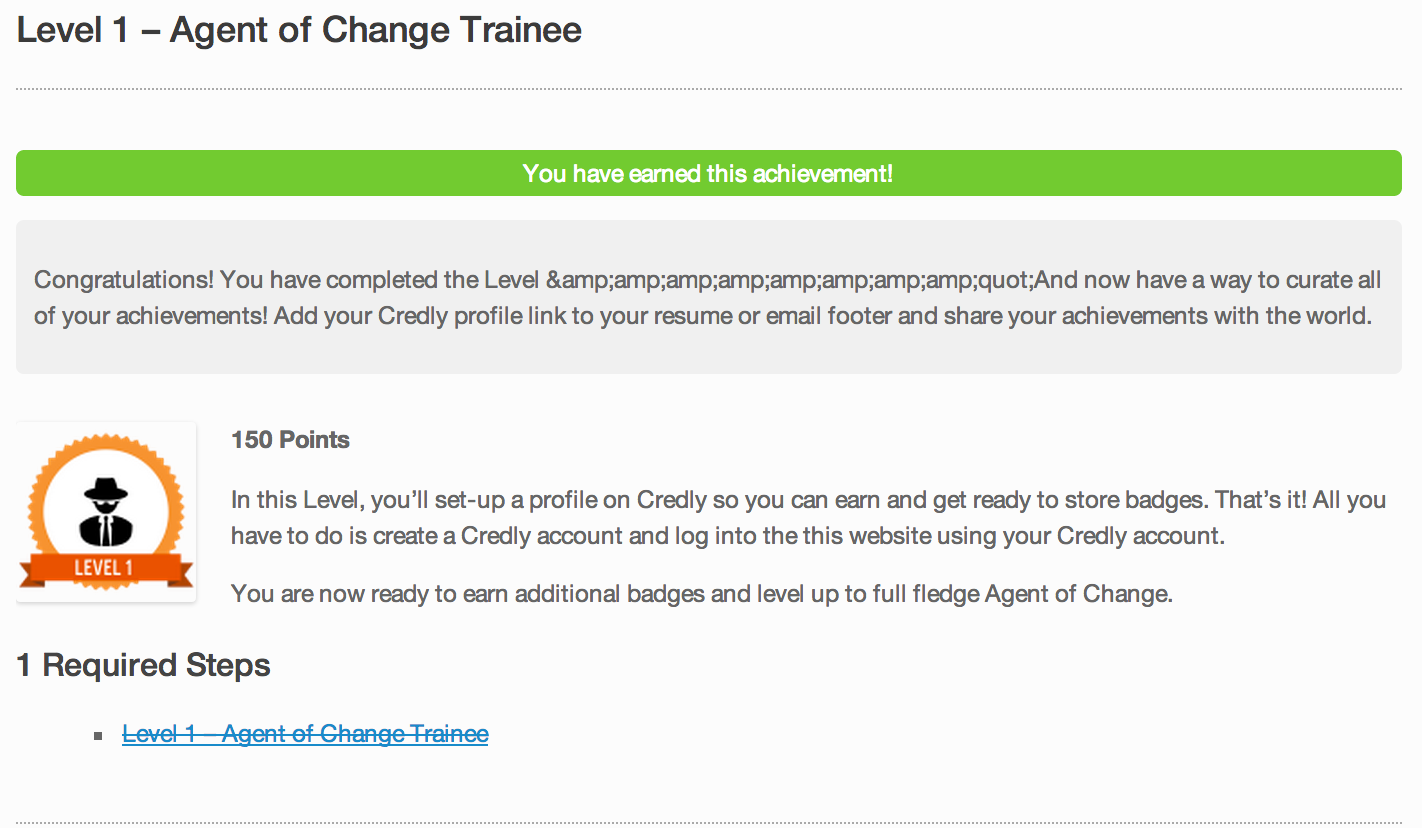
Levels to Engage Participants

Levels___engagEDNWI Level_3_–_Agent_of_Change__Grandmaster____engagEDNWI Level_2_–_Agent_of_Change___engagEDNWI Level_1_–_Agent_of_Change_Trainee___engagEDNWI